Jan 9, 2026
7 min read
How to Turn Handwritten Medical or Law Notes into Digital Study Guides
A comprehensive guide for Med and Law students on using OCR technology to digitize messy handwriting in seconds, saving hours of manual typing.
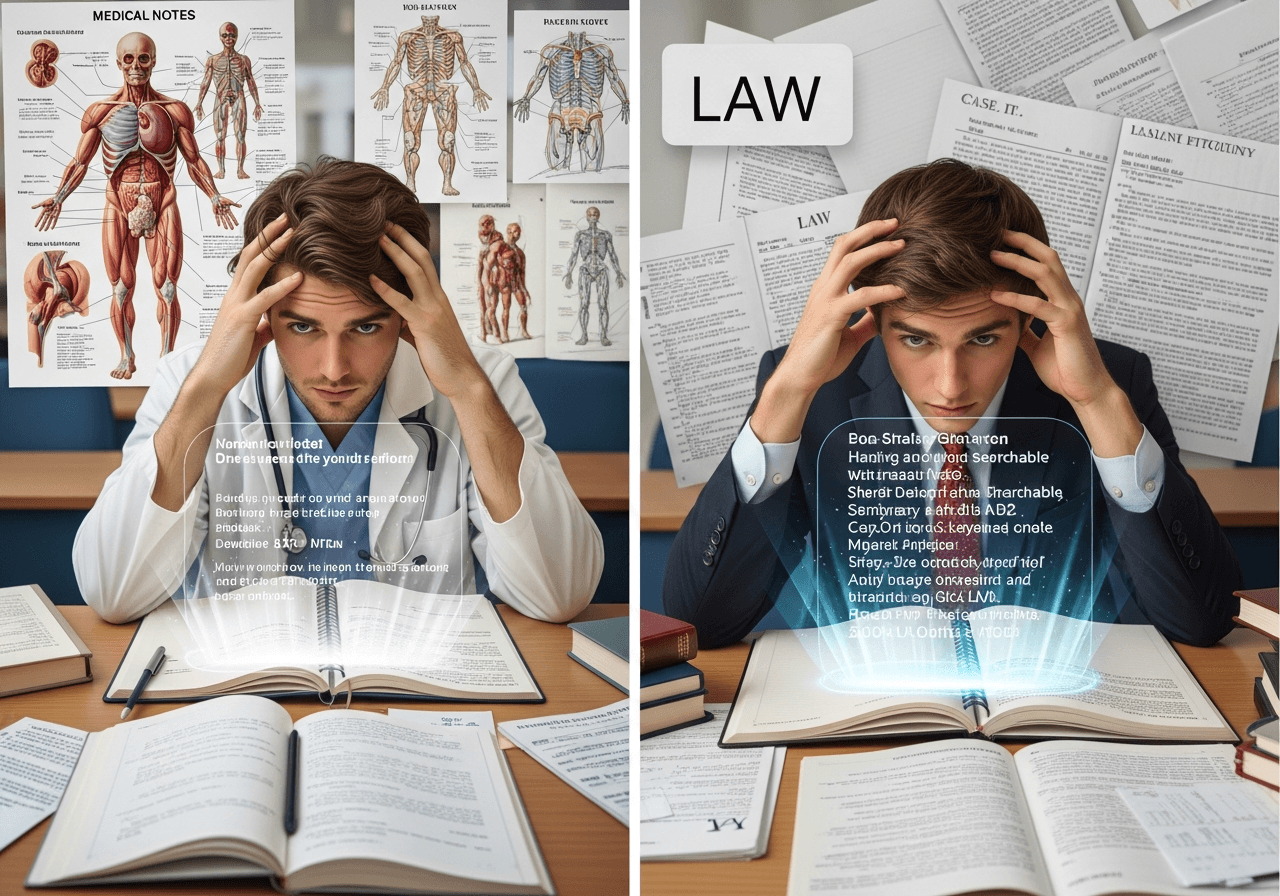
Medical and law students live in a world of endless handwritten notes. Lectures fly by at lightning speed, and typing can't keep up with complex diagrams, equations, or case citations. But messy notebooks make review a nightmare. The solution? Turn that handwriting into searchable, organized digital guides in seconds.
The High-Stakes Student's Dilemma
In Med and Law school, every detail matters. Miss one lecture's notes, and you've lost critical exam material. But handwritten pages scattered across multiple notebooks make it nearly impossible to find specific information when you need it. Typing everything manually would take dozens of hours you don't have.
How OCR Technology Reads Your Handwriting
Optical Character Recognition (OCR) uses advanced AI to analyze the shapes and patterns in your handwriting, converting pen-on-paper into editable digital text. Quizzmo's OCR engine is specifically trained on student handwriting—including rushed lecture notes, margin annotations, and even medical terminology or legal citations that standard apps miss.
Instant Scanning: From Page to Study Guide in Seconds
Simply open Quizzmo, point your phone camera at your notes, and tap scan. The app captures the entire page, processes the handwriting in real-time, and converts it into clean digital text. No manual typing. No transcription services. No waiting. Within seconds, your handwritten notes become searchable, shareable, and ready to transform into quizzes or summaries.
Why This Matters for Med/Law Students
Medical students can scan anatomy diagrams with labels and create instant quiz questions. Law students can digitize case briefs and generate practice essays. The ability to search across all your notes means you can find that one case citation or drug mechanism in seconds instead of flipping through hundreds of pages. This isn't just convenient—it's a competitive advantage.
Pro Tips for Perfect Scans
Use good lighting and hold your phone steady. Write clearly during lectures when possible, but don't stress—Quizzmo handles messy handwriting better than other apps. For multi-page notebooks, use the batch scan feature to capture everything at once. And always review the digital output to catch any rare misreads (usually less than 2% error rate).
Key Takeaway
Your handwritten notes don't have to stay trapped on paper. With Quizzmo's instant scanning and OCR technology, you can digitize, organize, and study from your notes in a fraction of the time—giving you more hours to actually learn instead of rewriting what you already wrote.